
Key Features of Vidnabber
Explore the powerful capabilities that make Vidnabber the ultimate video downloader
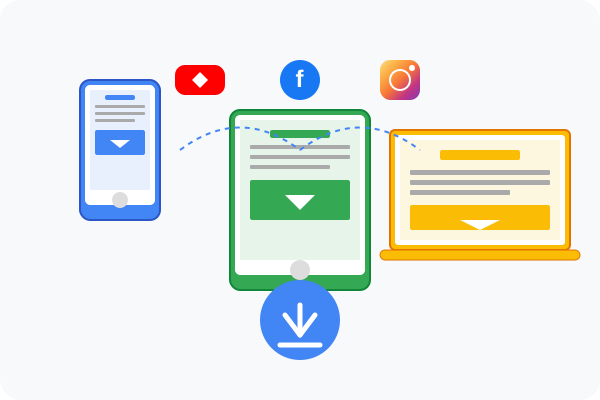
Multi-Platform Downloads
Vidnabber supports video downloads from over 1000+ websites and platforms, including YouTube, Facebook, Instagram, TikTok, Twitter, Dailymotion, Vimeo, and many more. No matter where your favorite videos are hosted, Vidnabber can download them with just a few taps.
- Support for all major video platforms
- Easy URL pasting for quick downloads
- Integrated browser for seamless browsing and downloading
- Batch download multiple videos at once
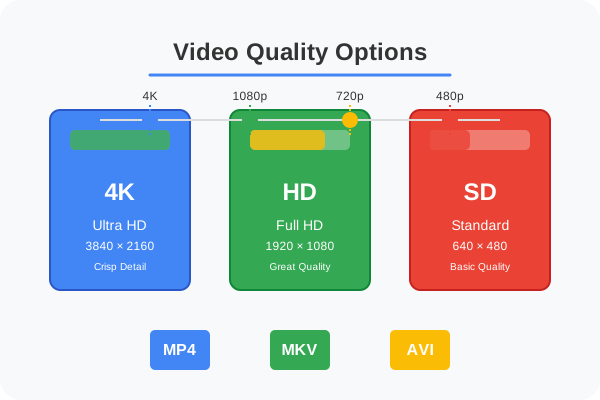
HD Video Quality
Download videos in the highest quality possible, including HD, Full HD, and even 4K resolution. Vidnabber gives you the freedom to choose your preferred video quality and format, allowing you to balance between file size and video quality based on your needs.
- Multiple resolution options (240p to 4K)
- Various format options (MP4, MKV, AVI, etc.)
- Smart quality selection based on your device
- Preview quality before downloading
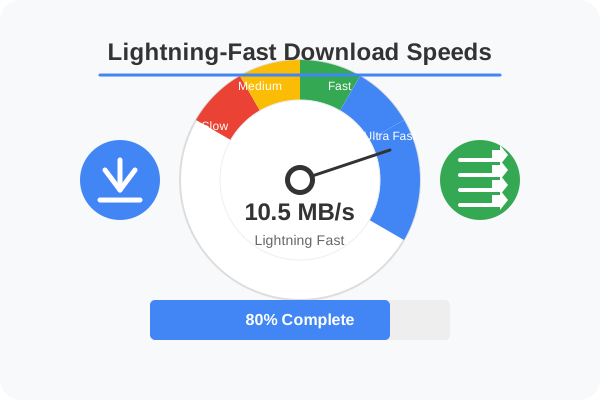
Lightning-Fast Download Speeds
Experience blazing-fast download speeds with Vidnabber's optimized download engine. The app uses advanced algorithms to maximize your download speed, allowing you to download even large videos in minutes. Vidnabber also supports resumable downloads, so you never lose progress if your connection drops.
- Optimized download engine for maximum speed
- Multi-threaded downloading technology
- Pause and resume downloads anytime
- Background downloading capability
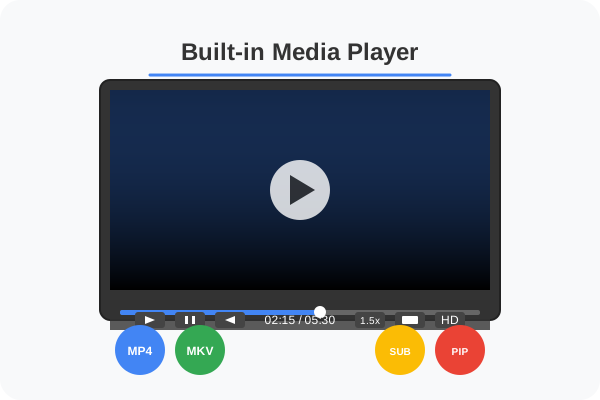
Built-in Media Player
Vidnabber comes with a powerful built-in media player that supports a wide range of video and audio formats. Watch your downloaded videos directly within the app without needing to switch to another media player. The player includes all essential playback controls and features for a seamless viewing experience.
- Support for multiple video formats
- Playback speed control
- Picture-in-picture mode
- Subtitle support for downloaded videos
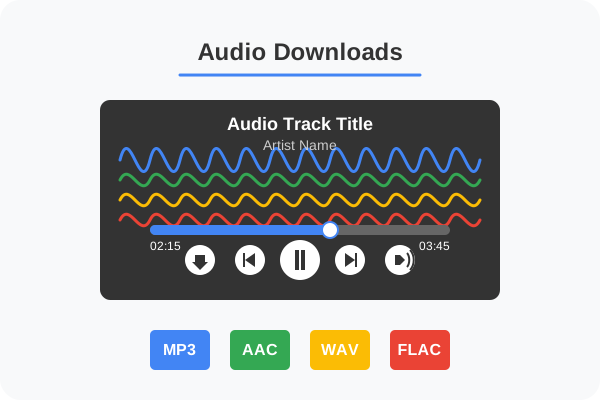
Audio Downloads
Not just videos, Vidnabber also allows you to download audio content from various platforms. Extract audio from video files or download music directly through the app. Vidnabber supports multiple audio formats including MP3, AAC, WAV, and more, giving you flexibility in how you consume your favorite content.
- Extract audio from any video
- Multiple audio formats supported
- Music playlist downloads
- Audio quality selection options
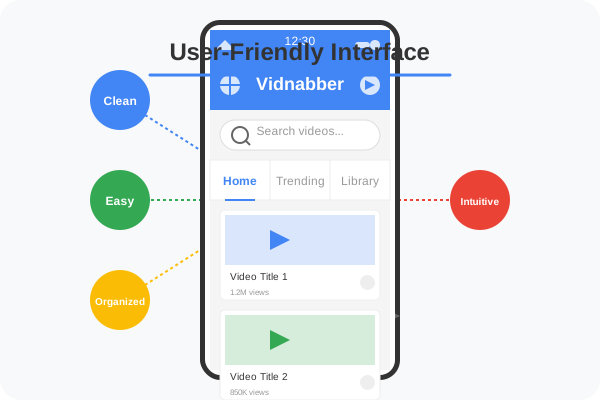
User-Friendly Interface
Vidnabber features an intuitive and easy-to-use interface that makes downloading videos a breeze. The clean design and straightforward navigation ensure that even first-time users can easily find and download their favorite content without any confusion or complexity.
- Clean and intuitive design
- Easy navigation and search
- Organized download management
- Customizable app settings